Quote jobs faster, without the measuring trip.
Get the measurements you need for quotes, bids, and planning using satellite imagery.
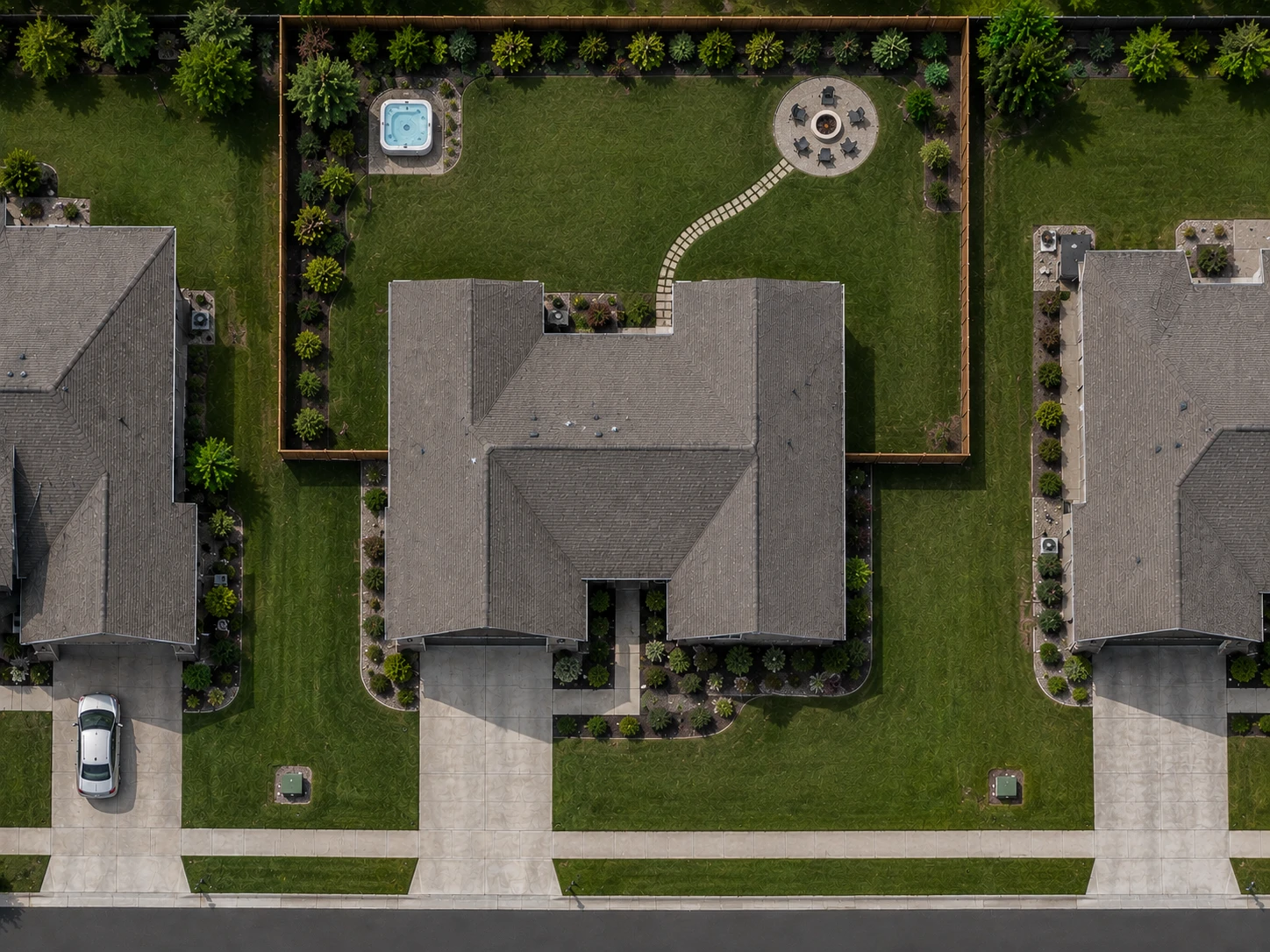
From quote request to measurements in minutes.
See how FindPropertySize fits into the quoting process you already use.
Quote request received
A customer reaches out for a quote and you need property measurements to put it together.
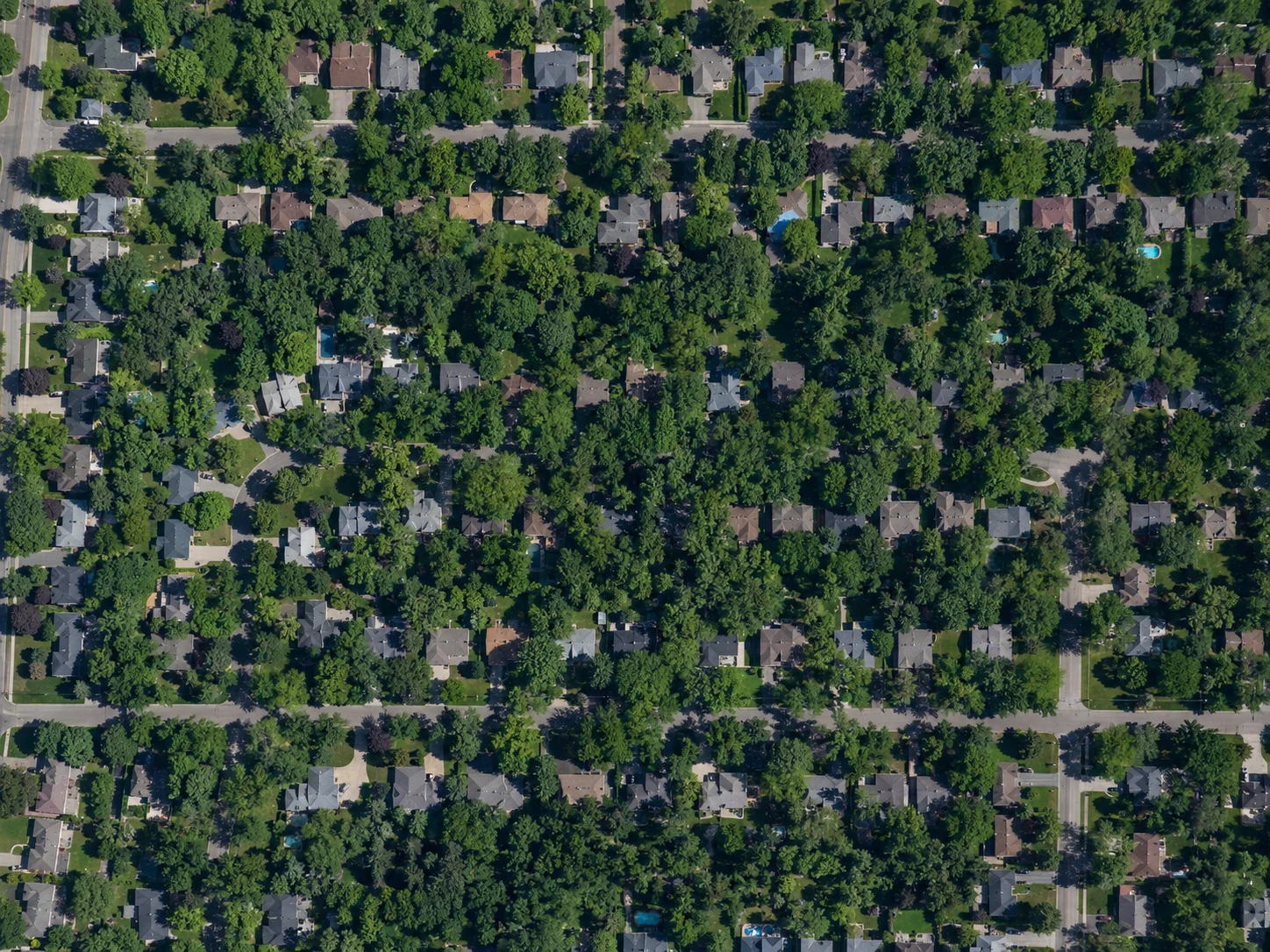
Search the address
The property opens in satellite view, ready to measure.
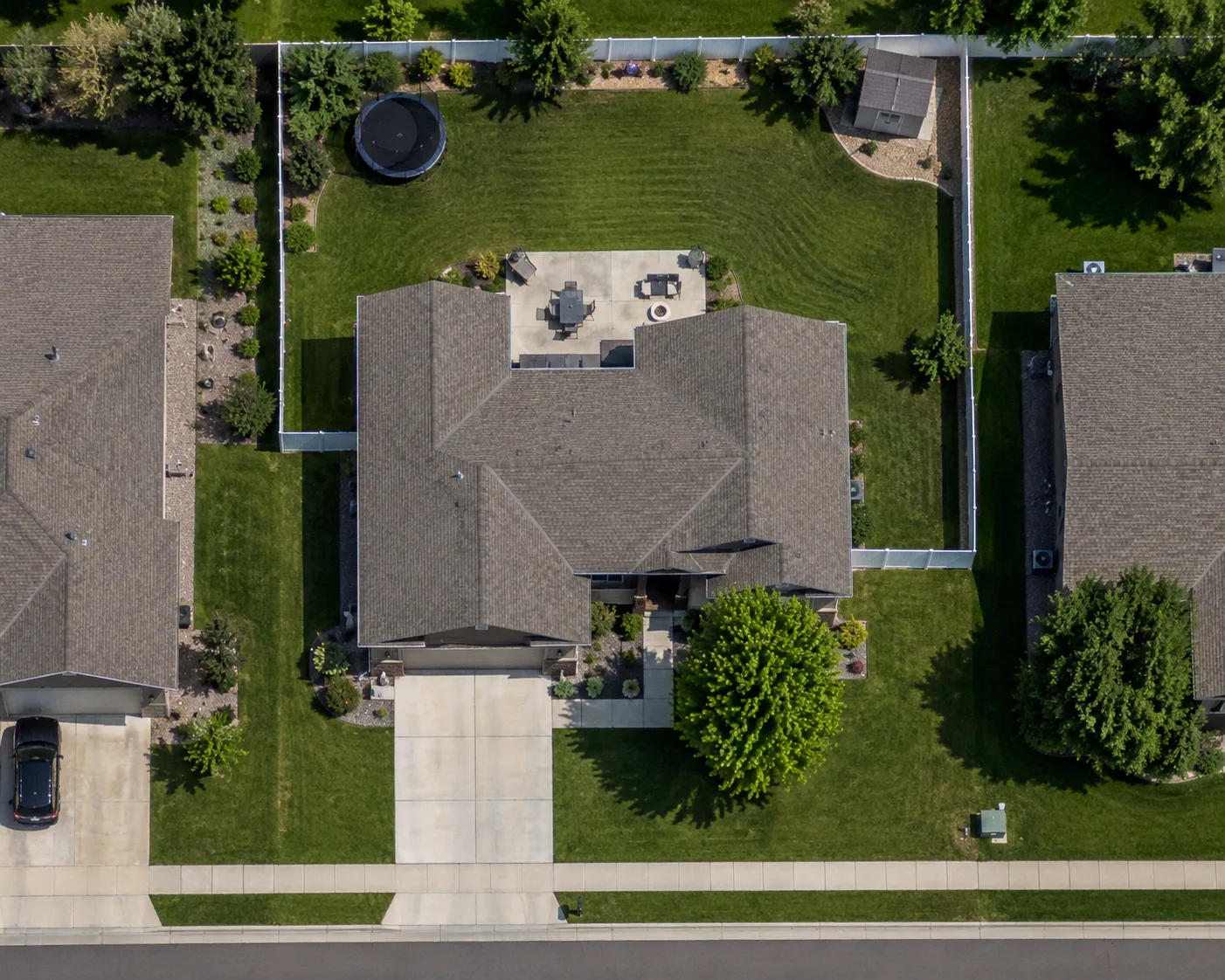
Measure what you need
Trace the lawn, driveway, roof, beds, or any other areas you need for the job.
Review your measurements
Review each measured area and its totals so you have the numbers needed for your quote.
Export your report
Download a detailed report with the property measurements you need for the quote.
Send your quote
Attach the measurement report to the quote you already send and get it out faster.
If you can see it from above, you can measure it.
Measure lawns, lots, driveways, buildings, roofs, patios, gardens, landscape areas, parking areas, pools, fields, acreage, perimeters, and more.
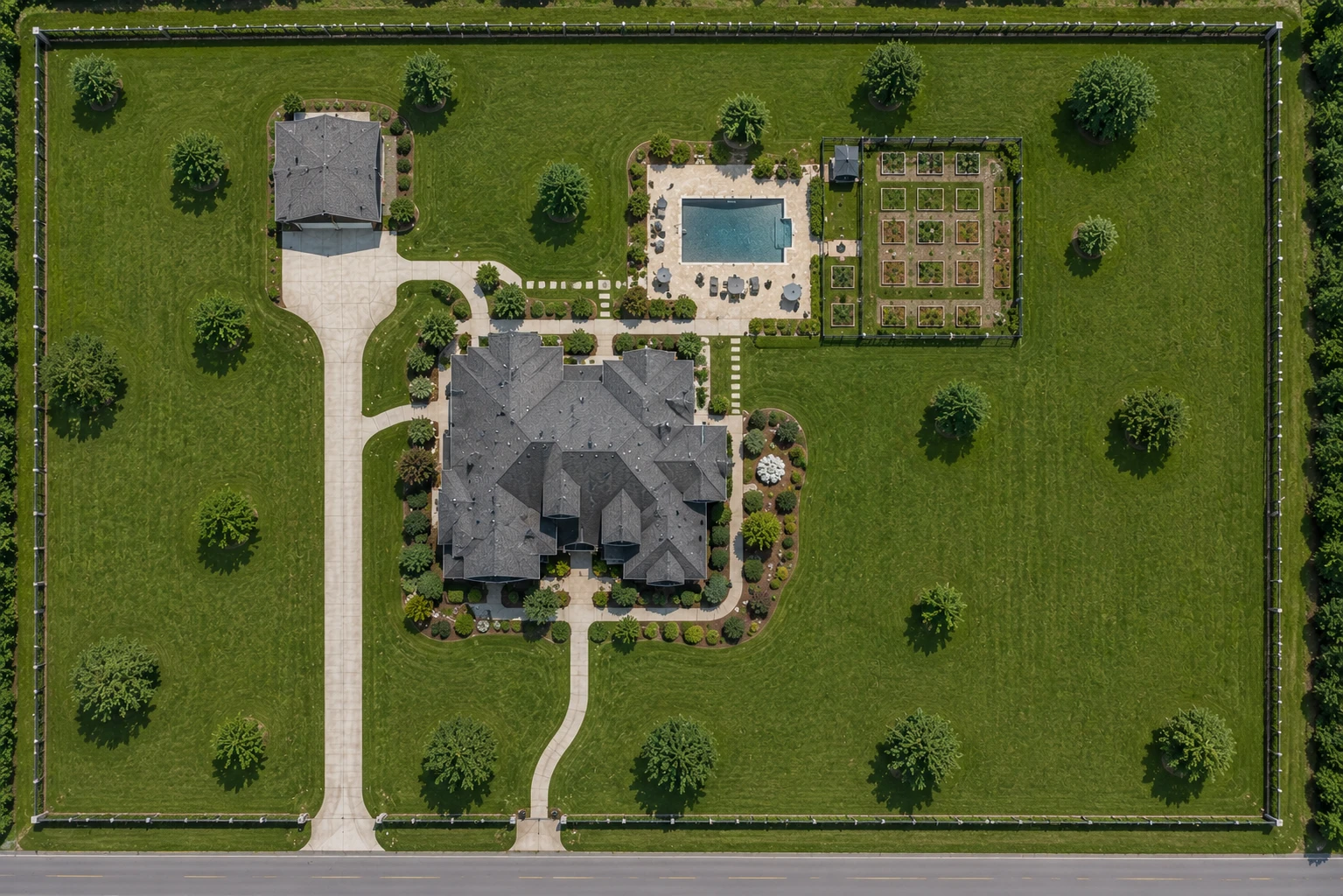
The tools behind every measurement.
Everything professionals need to measure, review, organize, and share, all built in.
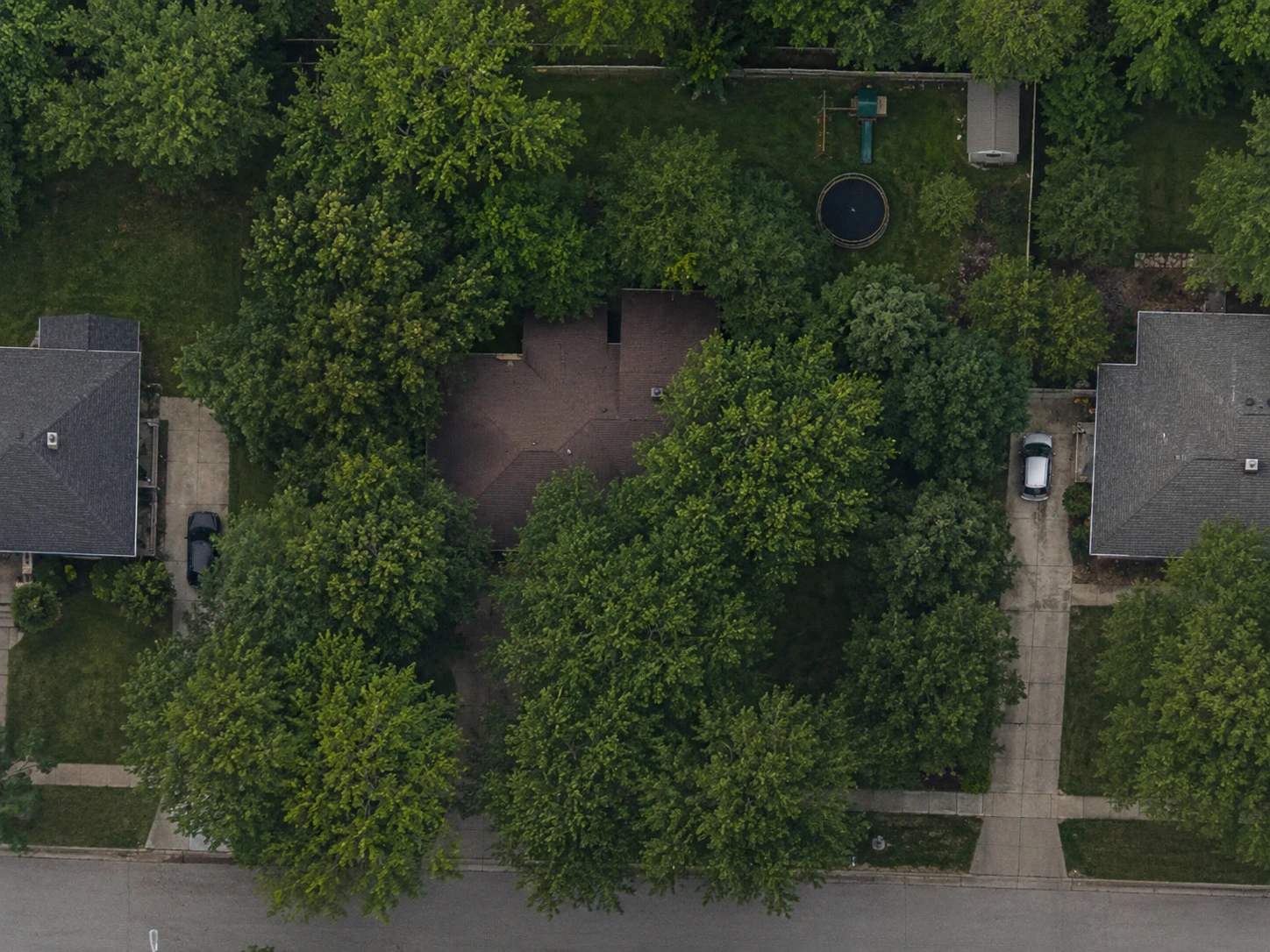
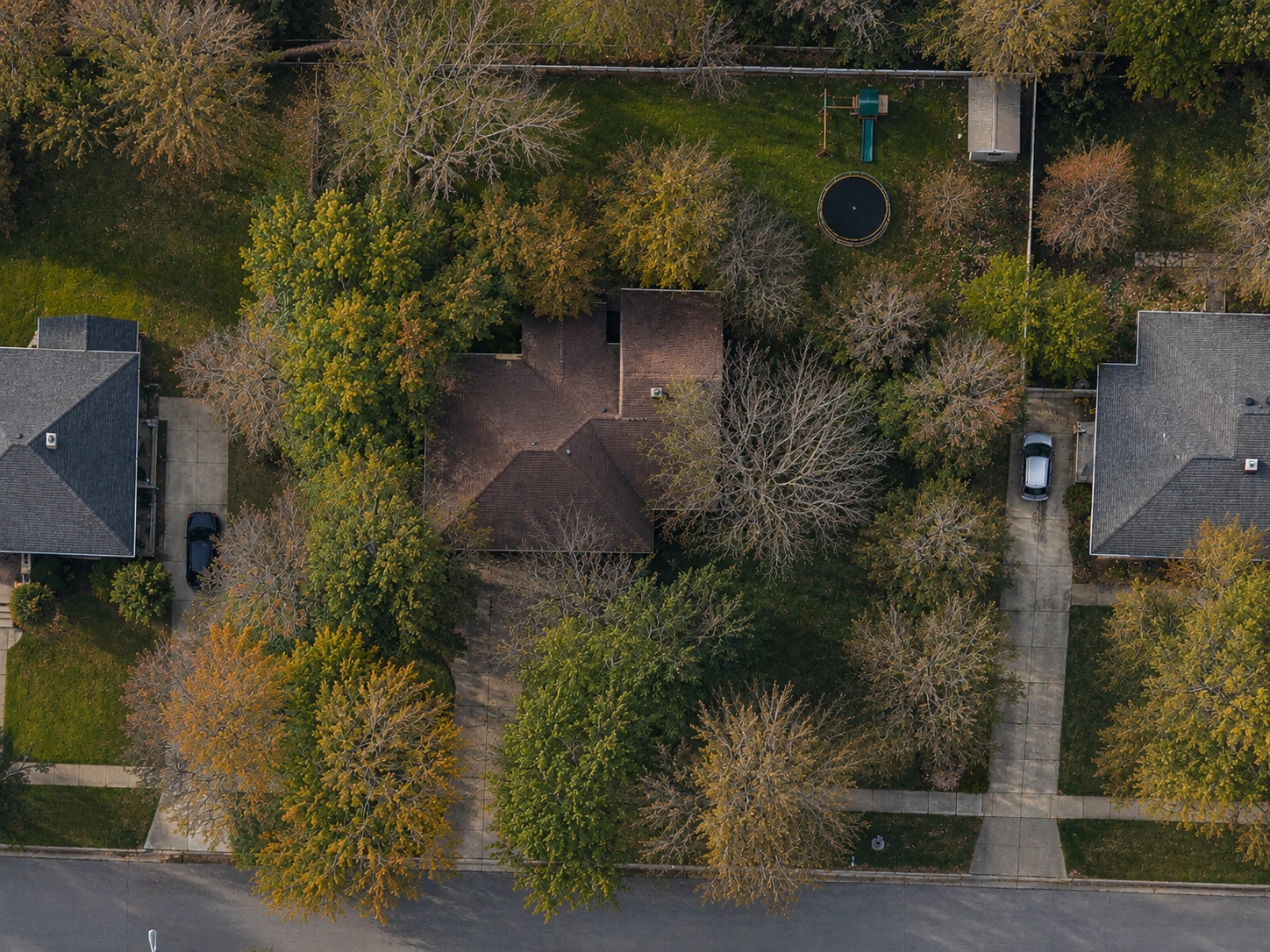
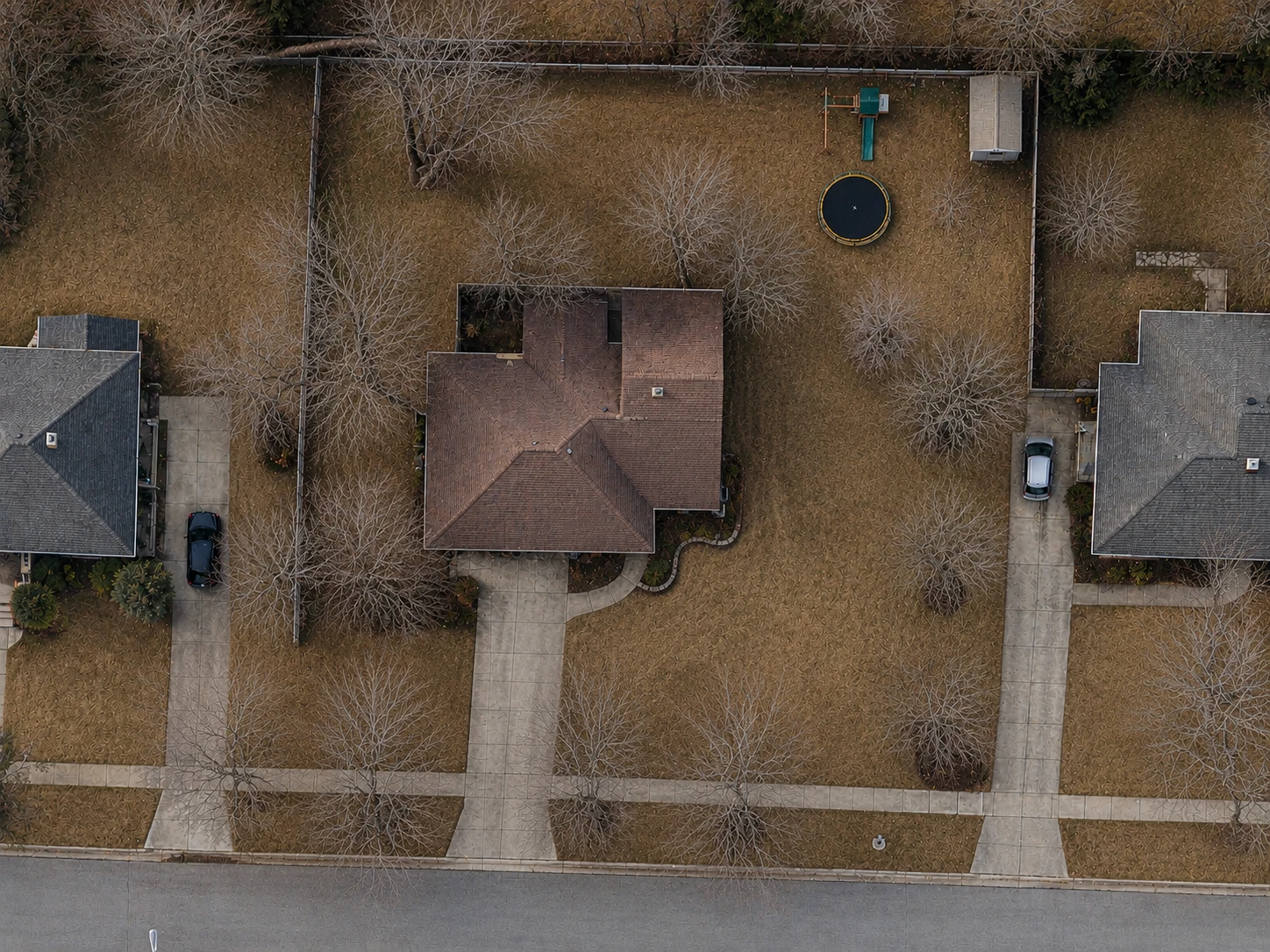
Multiple imagery options
Switch between multiple satellite imagery sources to find the clearest view of the property.
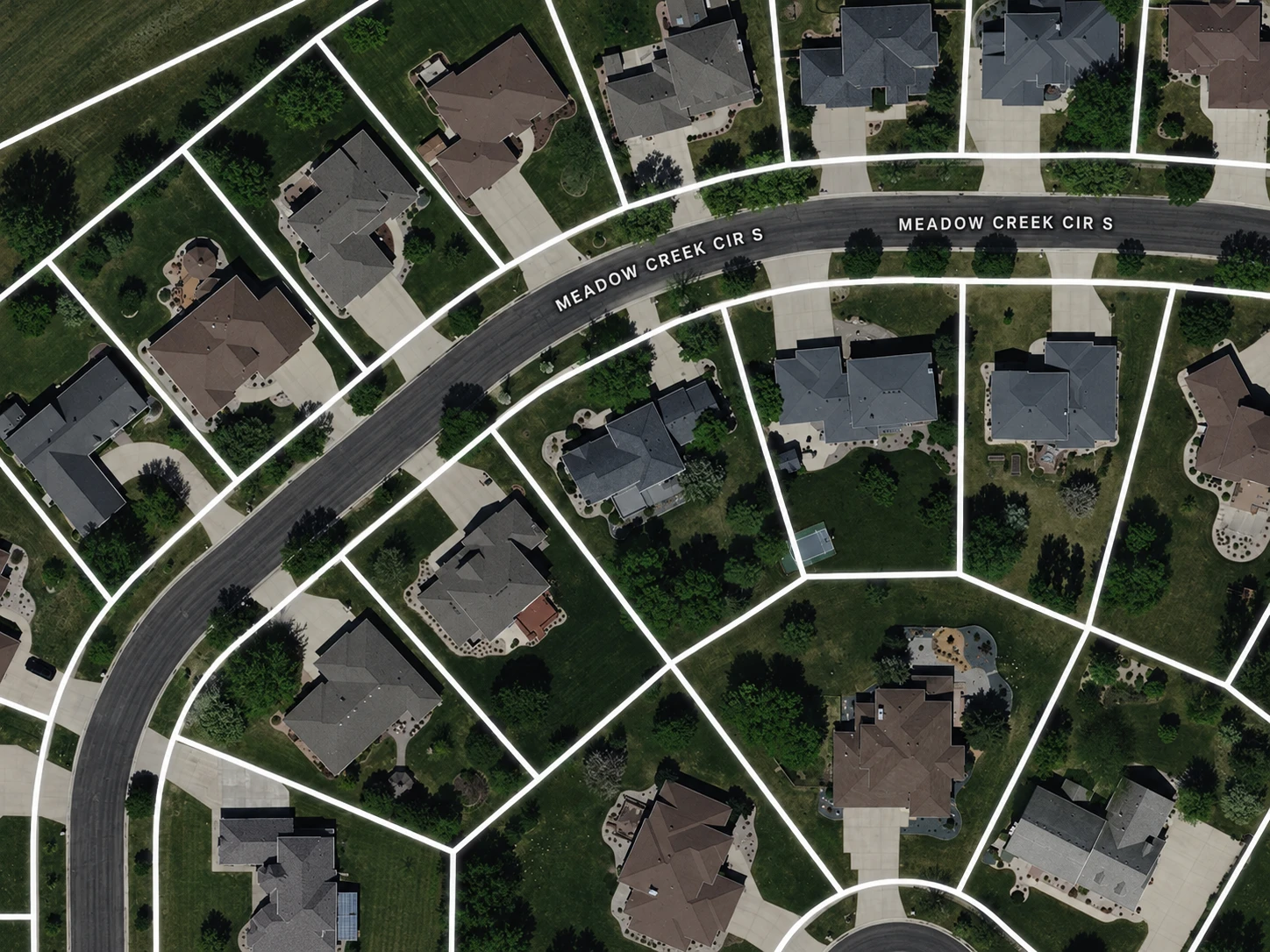
Parcel boundaries
See property lines while you measure to help identify where the property begins and ends.
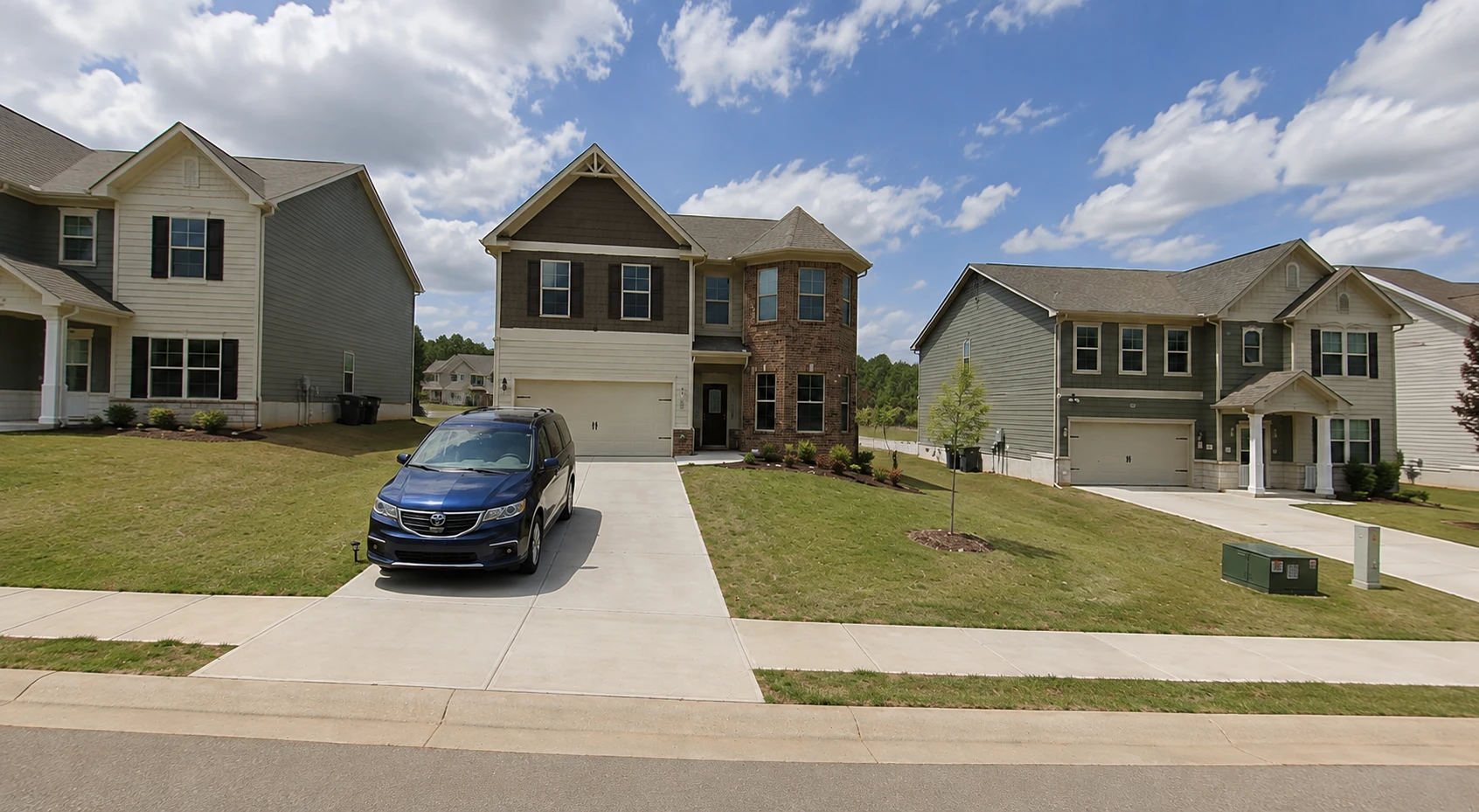
Street View
Check the property from ground level when the satellite view doesn’t tell the whole story.
Property Library
Save customer properties so you can reopen their measurements whenever you need them.
Custom branding
Add your business name, logo, and brand color to customer-facing reports and shared properties.
Shareable links
Send anyone a link to view the property and its measurements.
Parcel line overlays are currently available for properties in the U.S. and Canada. Measuring works anywhere in the world.
See what it can do on your next quote.
Enter a property address and give FindPropertySize a try.
Start free. No credit card required.